PhotoHelper

Shoot from a reference.

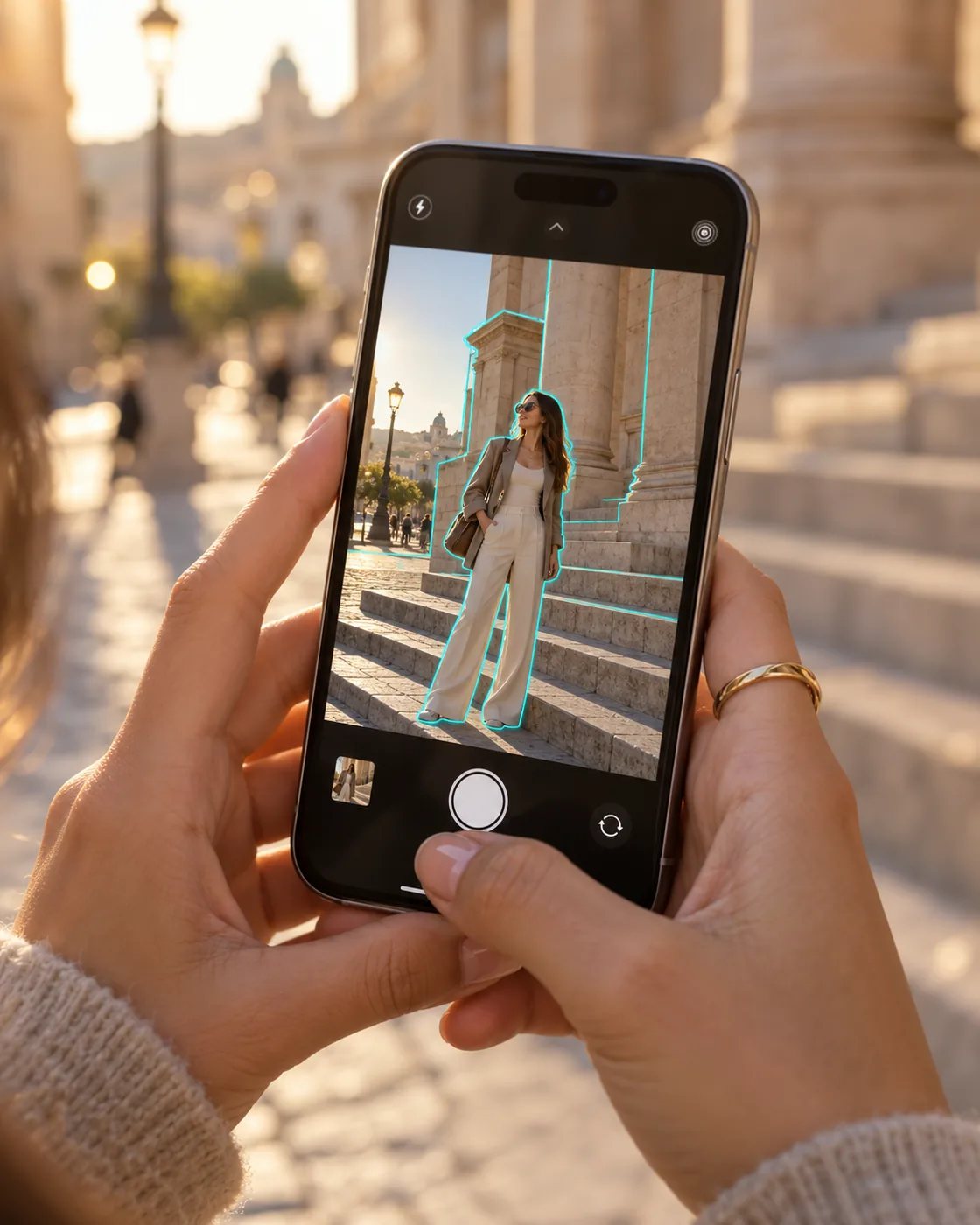
Choose a pose photo and the camera shows its outline. Line the person up with it, then tap the shutter.

Try for free How it works ›

For iPhone with iOS 17 or newer · Free · No sign-up
A man photographs a woman with an iPhone: her body matches the cyan pose outline on the PhotoHelper screen

How it works

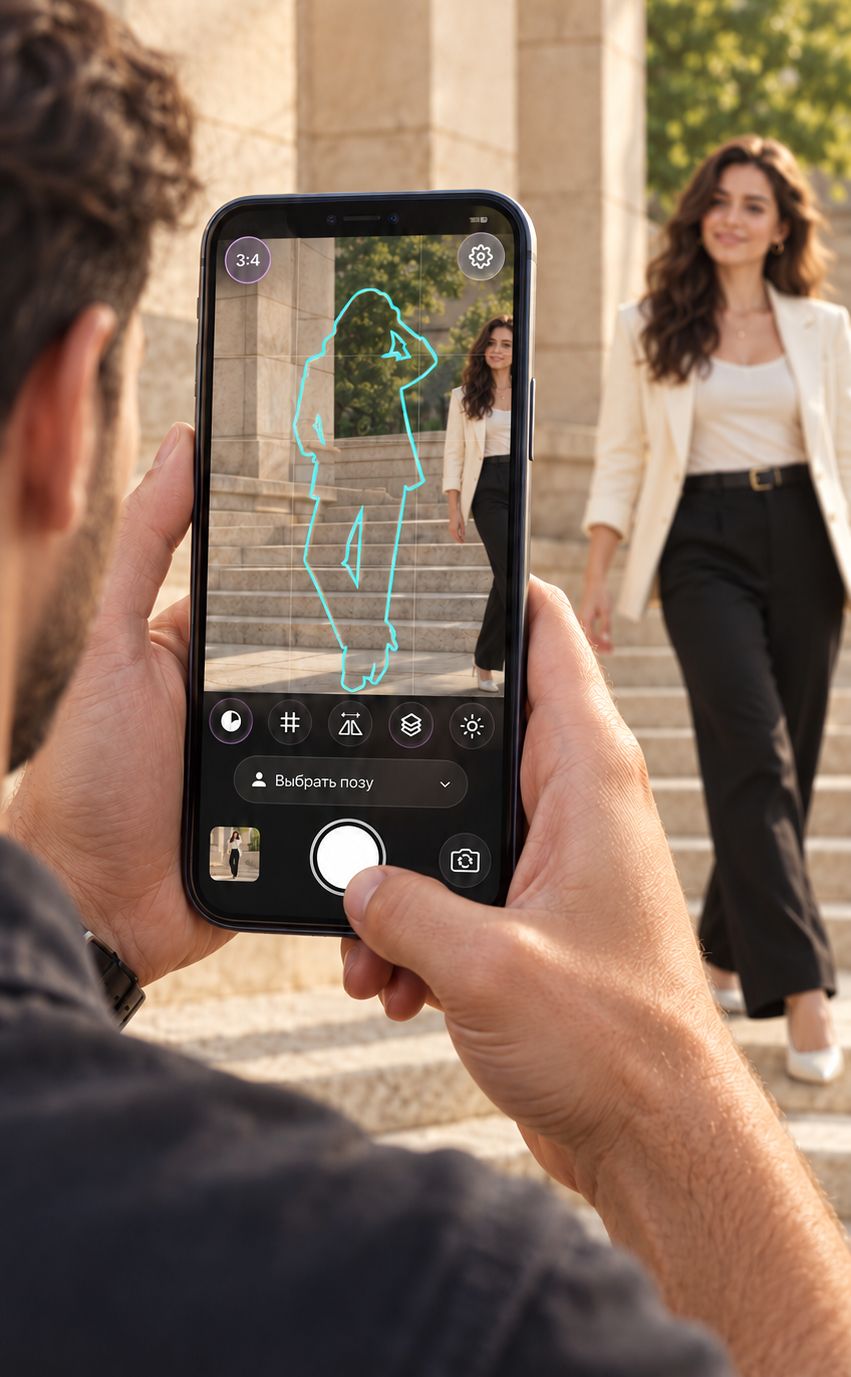
A pose outline appears in the camera as a woman steps into the frame

Choose a pose. Pick a catalog photo or use your own, then tap Apply.

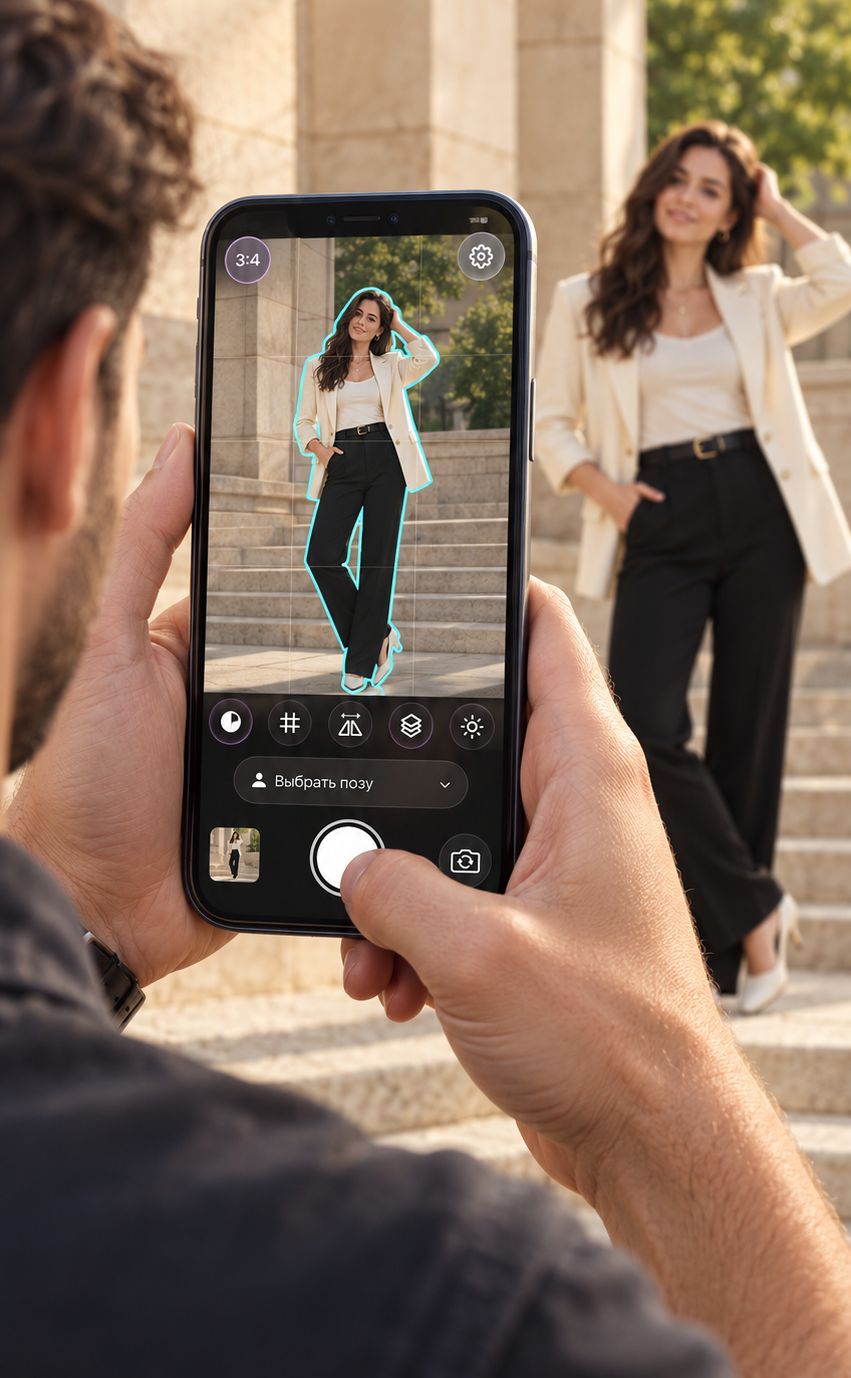
A woman strikes the pose, matching the cyan outline on the iPhone screen

Match the outline. The camera shows you where to stand and which way to turn.
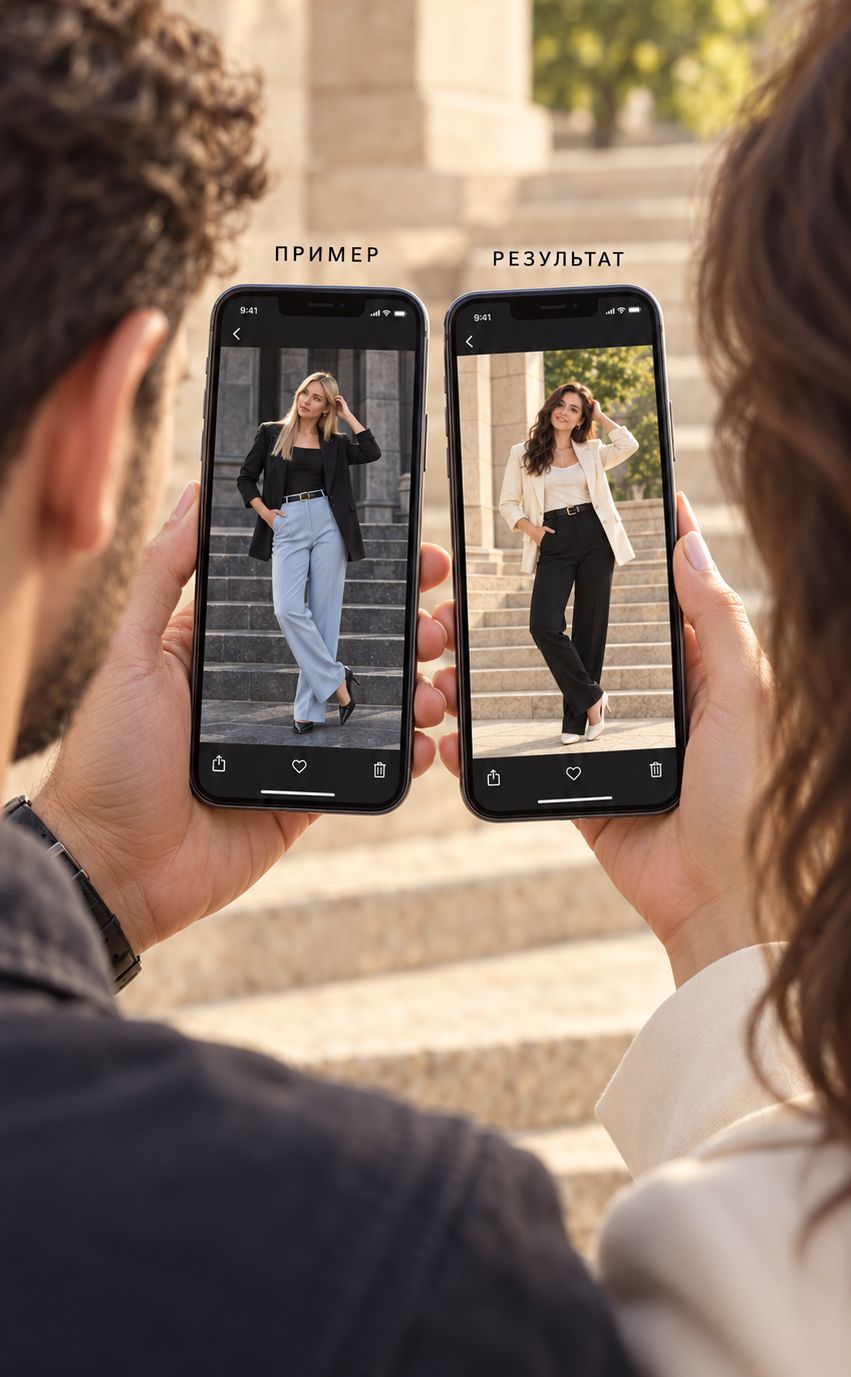
A pose reference and the finished photo side by side

Tap the shutter. Your shot is saved to Photos without the outline or grid.

Try for free

Your own reference

Add any photo. Get a guide to recreating it.

Seen a great shot in your feed or from a friend? Add it to the app. PhotoHelper outlines the pose and surroundings so you can recreate the shot yourself.

Try for free
An imported photo on an iPhone screen with cyan outlines of the pose and surroundings

For men and women

For her

Your boyfriend is no photographer?

Just give him this app. The outline shows him how to photograph you, so he can take your perfect shot.

A woman uses her phone to show her boyfriend how she wants to be photographed

For him

95% of men don’t know how to pose for photos.

Not sure how to stand in front of the camera? Browse pose references for men, pick one you like and hand your phone to a friend.

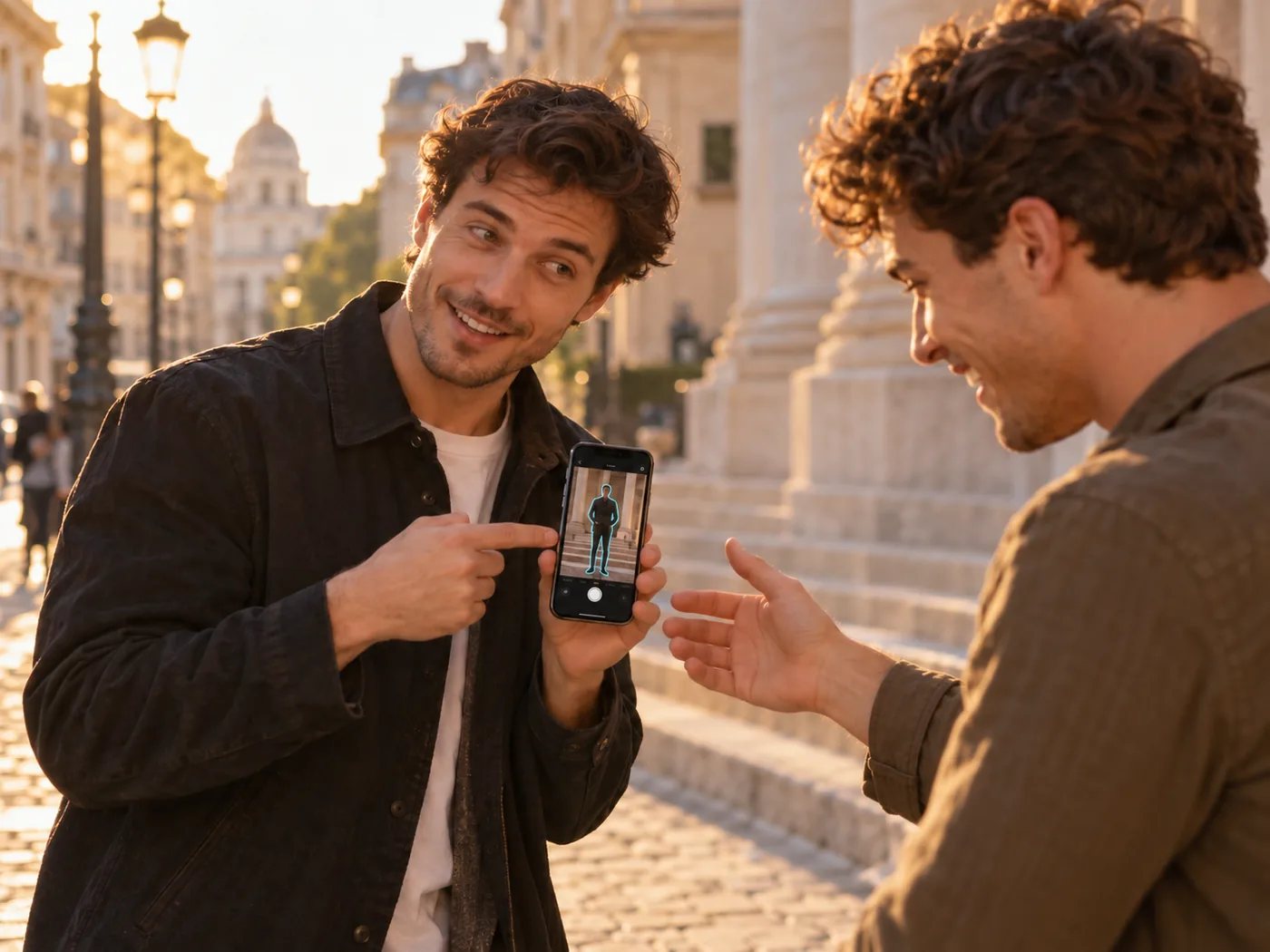
“Dude, take one of me like this”

A man shows a friend a reference photo on his phone
Try for free

Photo review

You matched the pose. Now fine-tune the shot.

You’ve recreated the pose. Review your photo, adjust the phone position, angle and lighting, then take another shot.

Example review. “After” is a new shot taken using the tips.

First shot: a man in a blue shirt on stone steps matches the pose, but the phone is tilted, the angle is from the side and his face is in shadow

1. The first shot.

The pose matches, but the phone is tilted, the angle is too far to the side and the face is in shadow.

Example review
Review of the same first shot: markers identify the phone tilt, angle and lighting; tips are listed below the photo

2. Review this shot.

✓ Pose matched

  1. Level your phone
  2. Shoot more from the front
  3. Turn your face toward the light
Retake: the same man in the same pose on the steps, with the phone level, a more frontal angle and light on his face

3. The retake.

Phone levelled, camera moved toward the front and face turned toward the light.

Try for free

Lighting

Find your best angle to the light.

Make your photo even better by paying attention to the light. The app detects which direction it comes from and suggests which way to turn.

Good lighting: soft sunlight illuminates the woman’s face

Good lighting. Face turned toward the light for a soft look with depth.

Poor lighting: the sun is behind her and her face is in shadow

Poor lighting. The sun is behind you, leaving your face in shadow.

The app estimates light direction from image brightness. It is a guide, not a precise measurement.

Try for free

Your photos stay
on your iPhone

PhotoHelper processes photos on your phone. No photos or analytics are sent to the developer. There is no sign-up or advertising tracking.

Privacy policy ›

PhotoHelper app icon

PhotoHelper is free

No subscription, account or trial. Requires an iPhone with iOS 17 or newer.

Try for free Contact support ›